
BlackArmor NAS 400 Series
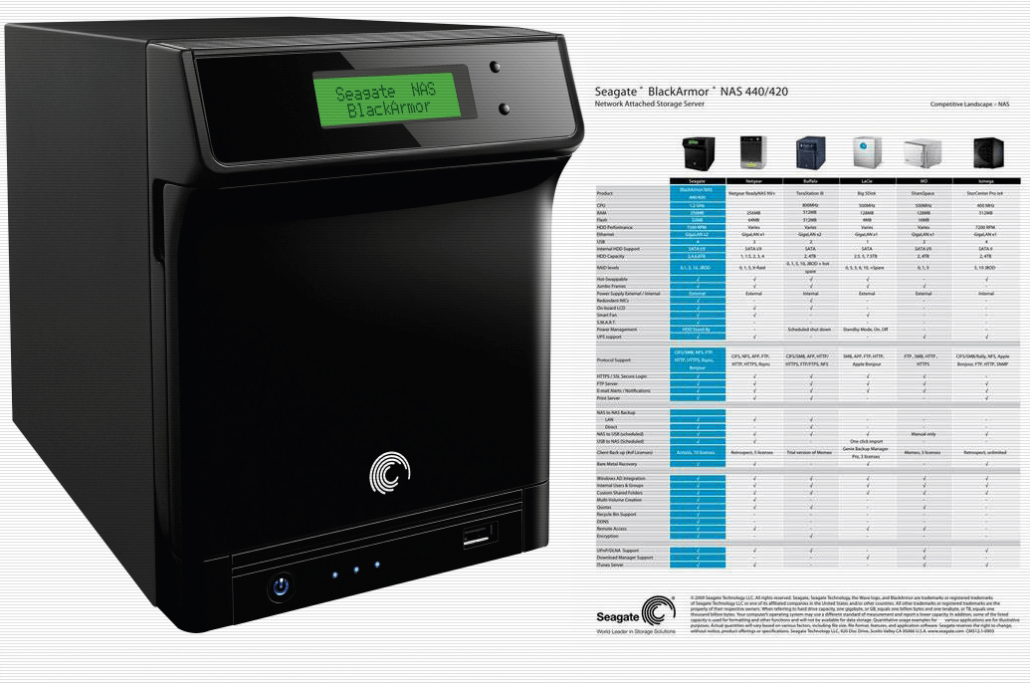
BlackArmor NAS 400 Series. 
To fix BlackArmor NAS 400 Series NAS Network name cannot be found.
The user will need to be either, added, or deleted and readded again for the access to return.
How to update the BlackArmor NAS 400 Series

Step (1)
Log into the NAS from using the discovery tool.
Click on Manage it will open the page in your default browser so you can log in.

Step (1B)
Browser login page, Put in your Username and Password.

Step (2)
Go to the Access link.
Create New User by add button.

Adding Users.
Username: will be the folder to be created on the server that will store the information
Admin rights:
Full Name: is the user associated with the account User Name.
Password:
Confirm Password
Group Member Group List:
Create User Private Share:
Volume: is the name of your access data.
Services Encrypt Share:

Step (3)
Now open the discovery tool.
select the user.

Step (4)
Map Network Drive and choose your drive Letter.

Step (5)
Now you can log into the NAS using the new user, you can choose to give the user full administration rights which will make them delete files on the server.
To select the selected disk type in select disk 2 and hit enter.
Now that the disk is selected it needs to be formatted, type clean and hit enter.
This is NAS will be the Next upgrade to expand the Network.

Leave a Reply
Want to join the discussion?Feel free to contribute!